 NUELAS COLLEGE
Learn fashion and design anywhere, at your own pace.
Your classes, wherever you are. Watch lessons, read notes, take quizzes, hand in assignments and follow your progress, all from your phone or computer.
Watch demonstrations as often as you like.
Lessons open as your class moves forward.
Know how you did straight away.
Check your balance and download statements.
Everything for your course, in one place
Choose a topic to see what your learning looks like inside the LMS.

Watch your lecturers demonstrate, step by step.
Every lesson can include short videos made by your lecturers: cutting, stitching, finishing, pattern work. Pause, rewind and watch again as many times as you need.
- Plays right inside the lesson
- No Google or YouTube account needed
- Works on your phone, tablet or computer

Notes, sketches and handouts in one place.
Lecturers attach notes, design references and handouts to each lesson, so you always know where to find them, even after class.
- Organised by module, unit and week
- Read online or download
- New lessons open on the dates your lecturer sets
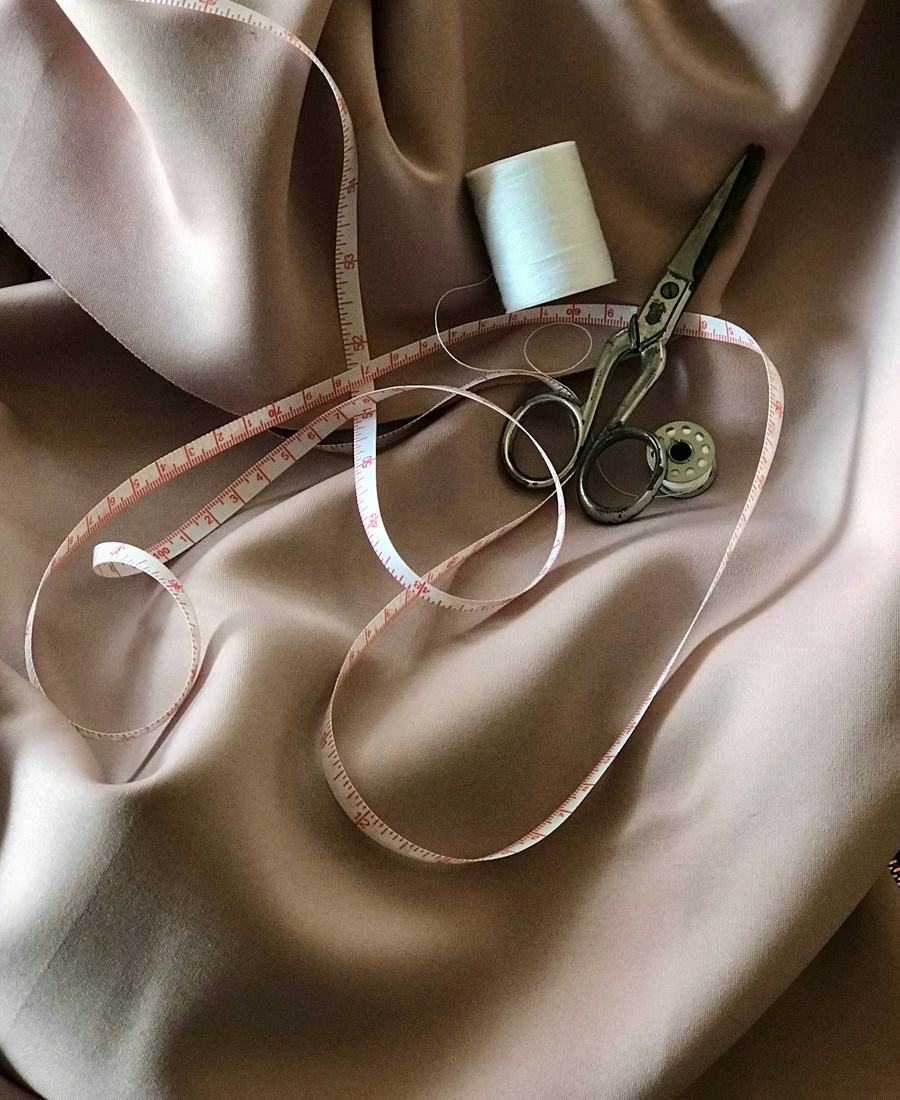
Check what you know, and see your score straight away.
Short quizzes after lessons help you remember the important points. Many quizzes are marked automatically, so you see how you did as soon as you finish.
- Instant results for most questions
- See which answers you missed
- Try the sample quiz further down this page

Hand in your work online and get feedback.
Upload photos of your garments, sketches or written work before the deadline. Your lecturer marks it and leaves feedback you can read in the LMS.
- Clear deadlines for every assignment
- Upload photos and documents
- Marks and comments from your lecturer

Know exactly where you stand.
See which lessons you have finished and what is next in each module. Every student can also check their fee balance and download a fee statement at any time.
- Progress for each module
- Fee summary and statement download
- Reminders of what to do next
Start learning in five steps
First register with the college. After that, all you need is your admission number and a phone or computer with internet.
Reach out to NUELAS COLLEGE to join a course. Send us a message, call or visit. Once you are registered, you receive your admission number.
Tap Student sign in at the top of this page. Save it to your phone's home screen for next time.
Use it as your username, and the first time, as your password too (for example NC-2025-001).
You will be asked to set a private password. Keep it to yourself; nobody from the college will ask for it.
Your modules and this week's lessons are waiting on your dashboard. Learn, practise, and track your progress.
How sharp is your style knowledge?
Try this three-question sample. Quizzes in the LMS work the same way: pick an answer and see straight away whether you got it right, and why.
From sketch to finished garment
Online lessons support the practical work you do in the studio: design, measure, cut, stitch and finish.


Teach once, reach every student
Build lessons for your modules, decide when each one opens, and see who is keeping up and who needs help.
- Add videos, notes, quizzes and assignments to lessons
- Schedule lessons by week for each class
- Mark work and follow student progress
Use the same username and password as the college SIMS.
Questions students ask
Who can use the LMS?
What is my username and password?
I forgot my password. What do I do?
Can I use more than one phone or computer?
Do I need a Google or YouTube account to watch videos?
Can I study on my phone?
How long do I keep access?
Interested in studying with us?
Ask about our courses, online learning, fees or how to join. Current students and parents are welcome to write too. Send us a message and the college will get back to you.
- Call us0705 890 420
- Visit usMagunas Building, 1st Floor, DB36, Wendani, Nairobi
- Postal addressP.O. Box 3556-00200, Nairobi
- Email[email protected]
Ready to learn?
Your lessons are waiting. Sign in with your admission number to begin.